HomeAid Podcast Guidelines
(We recommend testing your camera and microphone setup about a week before the podcast using the provided link in the calendar invite. If you would like to run through a test session before the full recording, please reach out to either CP Phan (cp@huemanstudio.com) or Jon Banach (jon@huemanstudio.com) to schedule a test session. Instructions below. Please reach out with any questions if you run into issues.)
Device: We recommend using a desktop or laptop computer. If using a phone or tablet, there is a mobile app, however we recommend scheduling a test session with Hueman Studio a few days before the official recording to verify everything is working properly.
Internet Browser: You must use Google Chrome when joining.
Wardrobe
Please make sure the top is not see-through.
If wearing a buttoned shirt, please wear appropriate undergarments.
Avoid whites, flashy/bright/neon, and any colors where you blend into and don’t have contrast with your environment. Doesn’t have to be grey, there can certainly be color! We just want you, yourself to be the focus of the video.
Please avoid any clothing with any kind of visible logos/graphics/trademarks/etc… Unless said logo belongs to the company/org you’re representing (Ex. Polo with company logo)
If possible, please avoid very fine, high contrast patterns, like pin-stripes, corduroy, herringbone as this can create distracting patterns on camera.
Background and Lighting
Please make sure the background is clear of any distracting/inappropriate items.
Please make sure your face and room is adequately lit.
At this time, we are going with no background blurring or virtual backgrounds.
Framing
In order to frame our content for vertical and social platforms, please frame yourself from the chest up, centered if possible, with sizable headroom at the top. Please see below reference for general framing:
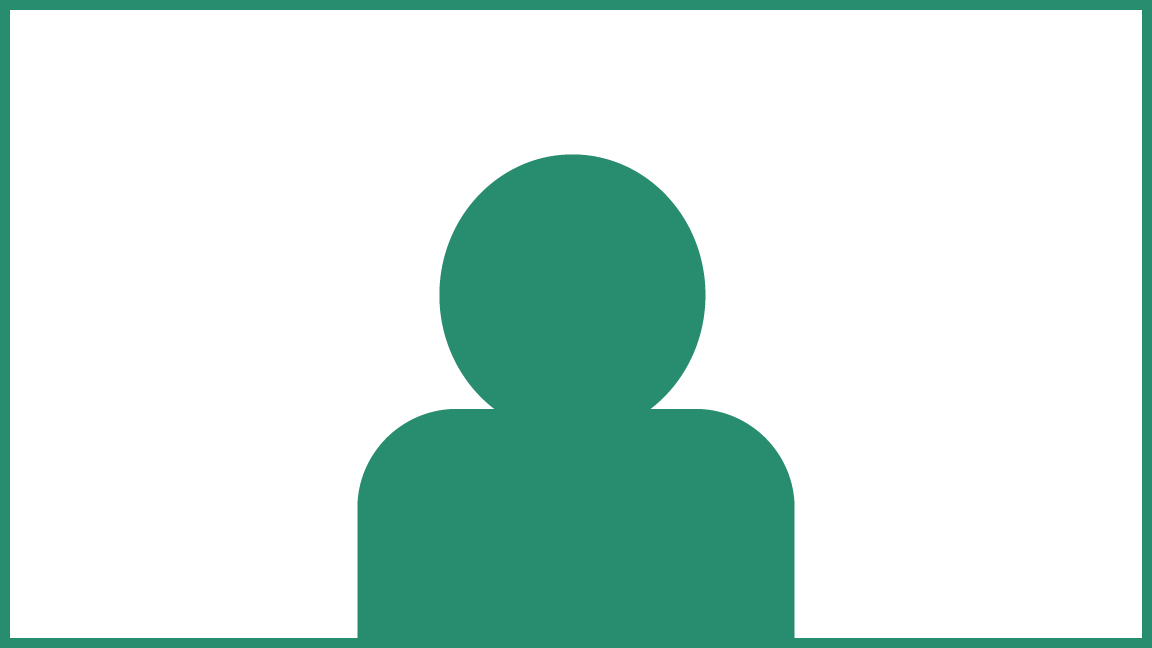
Make sure camera is as close to eye level as possible.
Sound
Please try to maintain a quiet atmosphere when recording.
Aim to speak in a clear, confident, conversational volume and voice.
Please close any other software that could make noise in the background (Microsoft Teams/Outlook/Slack/Etc.)
First time setup/testing
Upon joining for the first time, you will see this screen:
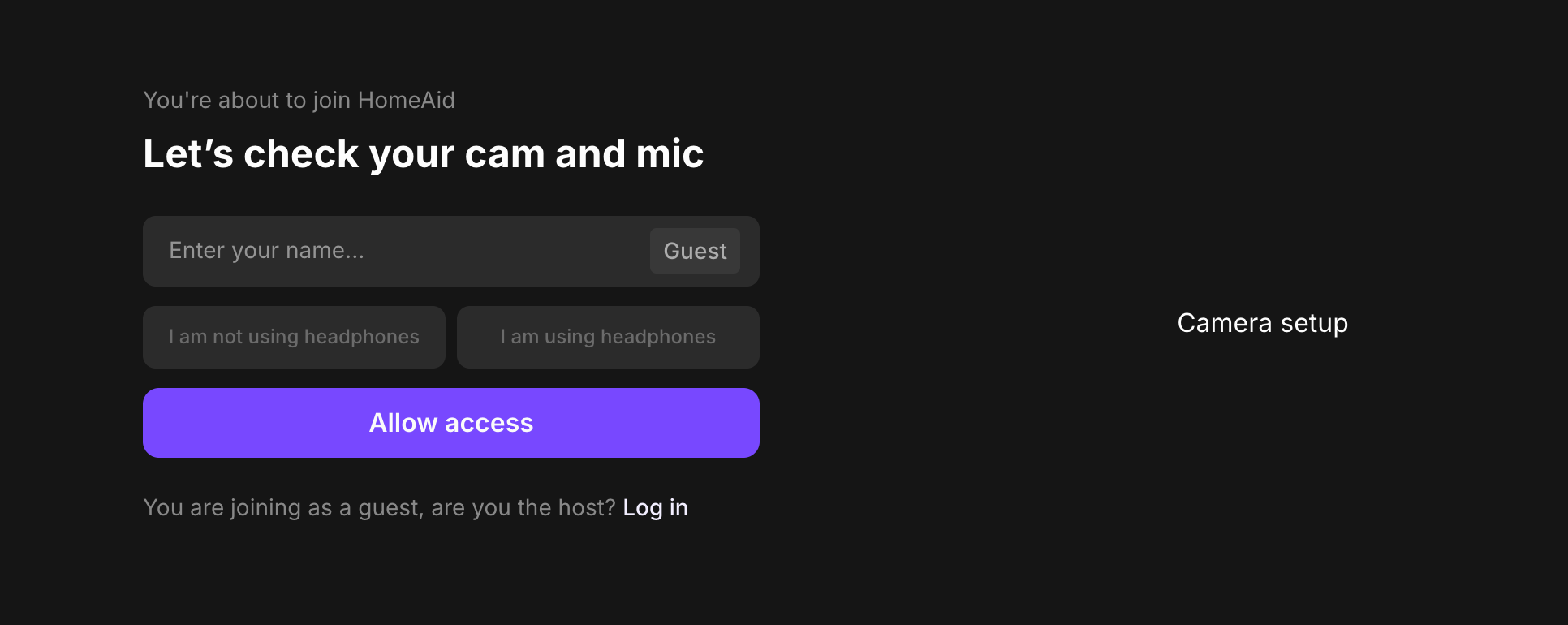
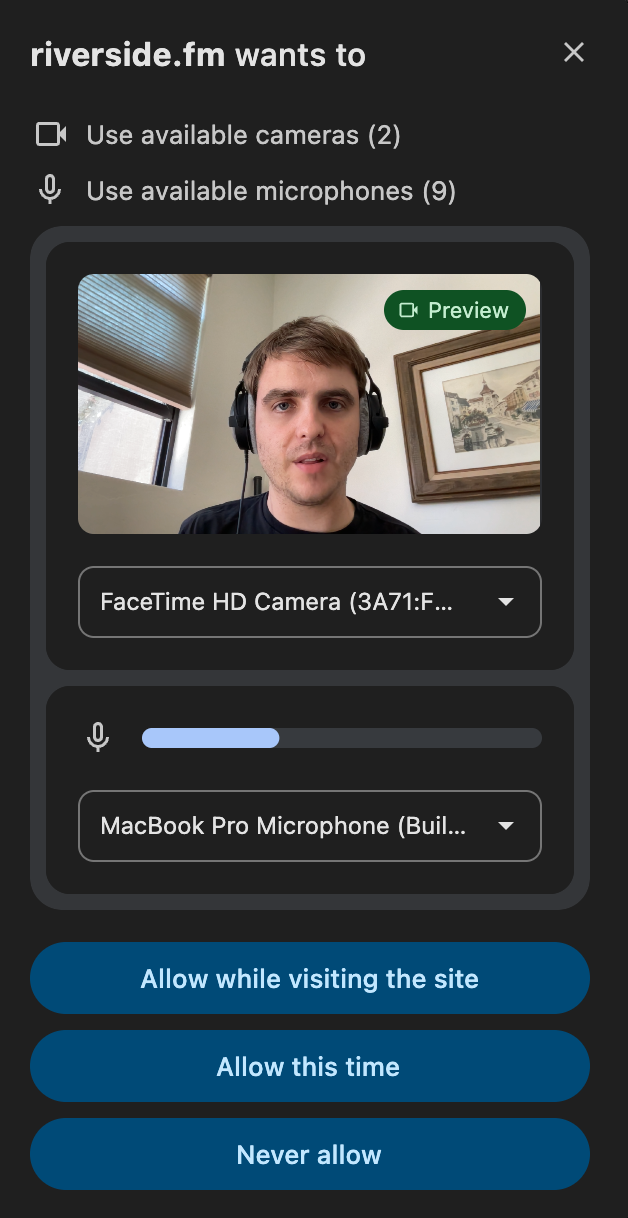
Click allow access. In Google Chrome, you will see this pop-up. Please select your camera and microphone. Say a sentence or two in a clear speaking voice and make sure you see a level fluctuating as you talk, ideally in the middle or so.
Joining the podcast
(Once camera and microphone are setup)
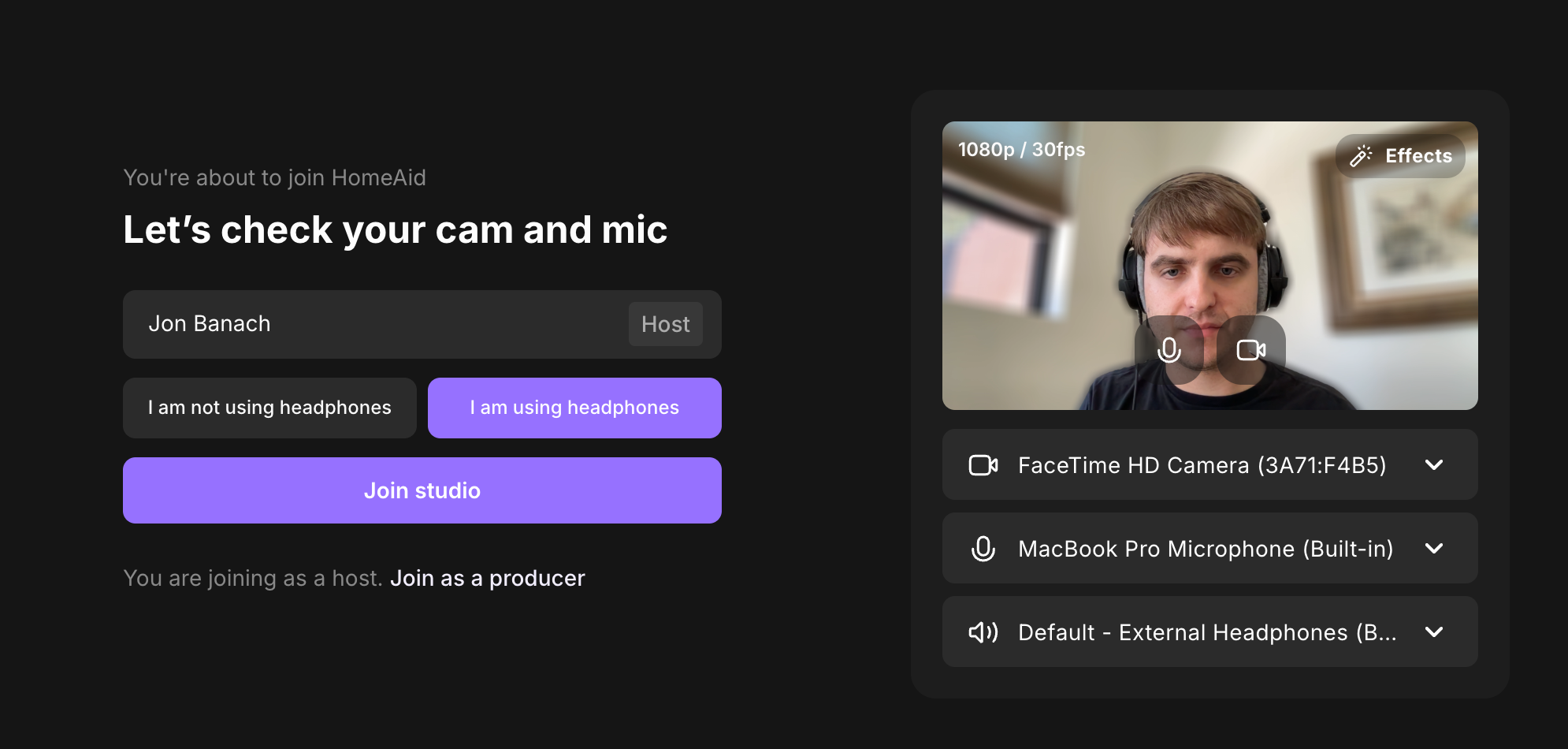
Please enter your name
Please select whether you are or are not wearing headphones.
Please make sure you have your proper camera, microphone, and speaker selected.
Click Join Studio
At this time we are not using background blur or virtual backgrounds (please ignore the example above).
If on a computer, please close or mute any software that may disturb the recording, such as Outlook/Slack/etc.
If on a phone or tablet, please make sure your device is on Do Not Disturb to avoid any incoming phone calls that will interrupt recording.